use-apify.com

Webhooks: guides & tutorials

Apify webhooks POST run status and dataset links to your HTTPS server—start downstream work on that callback instead of polling REST APIs each minute.

2 articles

View all tags

Webhooks let Apify POST run status and dataset links to your server the moment a job finishes, so you act on results instead of polling the API. These guides cover setting up webhooks and processing their payloads.

Idempotent handling and retries keep webhook-driven pipelines reliable when deliveries repeat. Below you will find tutorials for wiring Apify webhooks into downstream jobs and services.
Related topics

Automation12 min read

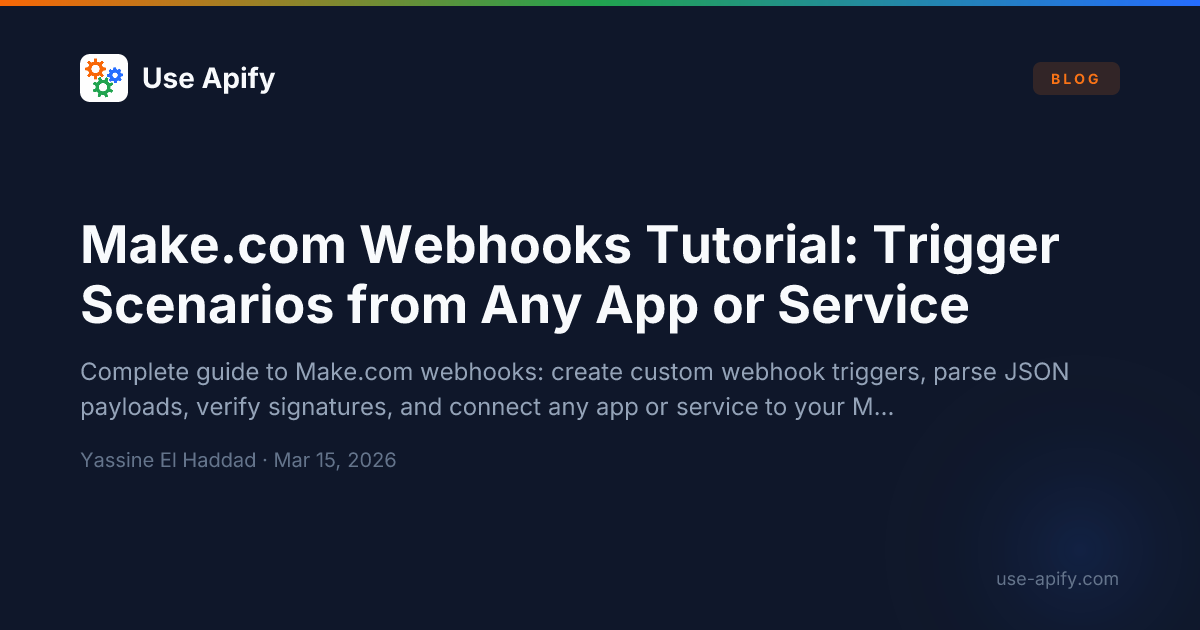
Make.com Webhooks Tutorial: Trigger Scenarios from Any App or Service

· 12 min read
Yassine El Haddad
Software Developer & Automation Specialist

Make.com webhooks let you trigger a scenario the instant something happens in any external app — no polling, no delays, no scheduled waits.

A webhook is a URL that Make generates for you. Any system that can send an HTTP POST request can fire that URL and kick off your scenario with real-time data. GitHub merges a PR? Your scenario runs. Stripe processes a payment? Your scenario runs. A custom internal script hits the endpoint? Your scenario runs.

This tutorial covers everything: creating webhook triggers, parsing JSON payloads, using the Webhook Response module, verifying HMAC signatures, and practical examples with GitHub, Stripe, and custom apps.

Guides on this site

Frequently asked questions

Frequently Asked Questions

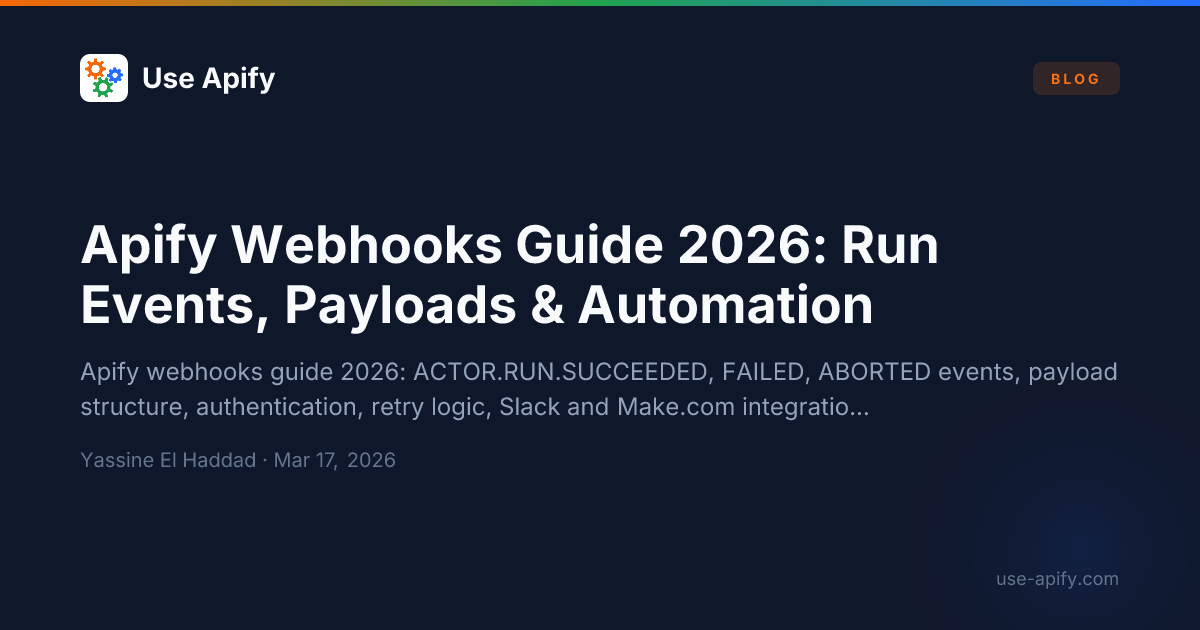
Apify webhooks fire HTTP POST requests to a URL you specify when actor run events occur—SUCCEEDED, FAILED, ABORTED, or new dataset items. The payload includes run metadata and resource URLs. Use webhooks to trigger downstream processing, send Slack alerts, update databases, or chain actor runs without polling the Apify API manually.

Make.com and n8n scenarios, Slack or email notifications, serverless functions that process new dataset rows, CRM updates, CI pipeline steps, monitoring alerts, and chained actor runs. Webhooks on actor completion are the most common pattern; webhooks on individual dataset items enable near-real-time stream processing.

Add a secret token as a query parameter or Authorization header and verify it in your receiving server before processing the payload. Apify includes a webhook HMAC signature in headers that you can verify. Use HTTPS endpoints only. Rate-limit webhook processing in case of retry storms from repeated actor failures.

Webhooks are push-based: Apify calls your endpoint when events happen. API polling is pull-based: you periodically check run status. Webhooks are more efficient—no wasted API calls when runs are still in progress. Use webhooks for production integrations; polling is simpler for development scripts where timing precision is not critical.