use-apify.com
Self-hosted AI: guides & tutorials
Self-hosted AI keeps prompts and weights on your LAN for compliance. Run open models on GPU and point Apify webhooks at private inference APIs.
10 articles
View all tags
Self-hosted AI keeps prompts and weights on your own network for privacy and compliance. These guides cover running open models on a GPU and pointing Apify webhooks at private inference APIs.
Owning the inference stack means data residency and lower per-token cost at volume. Apify supplies the web data those private models process. Below you will find tutorials for self-hosted AI setups.
TL;DR
- One
docker-compose.yml: n8n + LiteLLM + Twenty CRM + shared PostgreSQL + Redis + Caddy
- Measured idle RAM: ~1.7 GB; peak: ~2.5 GB (parallel workflow executions with live LiteLLM calls)
- Minimum Liquid Web tier: 8 GB Managed VPS (~$33–$40/mo)
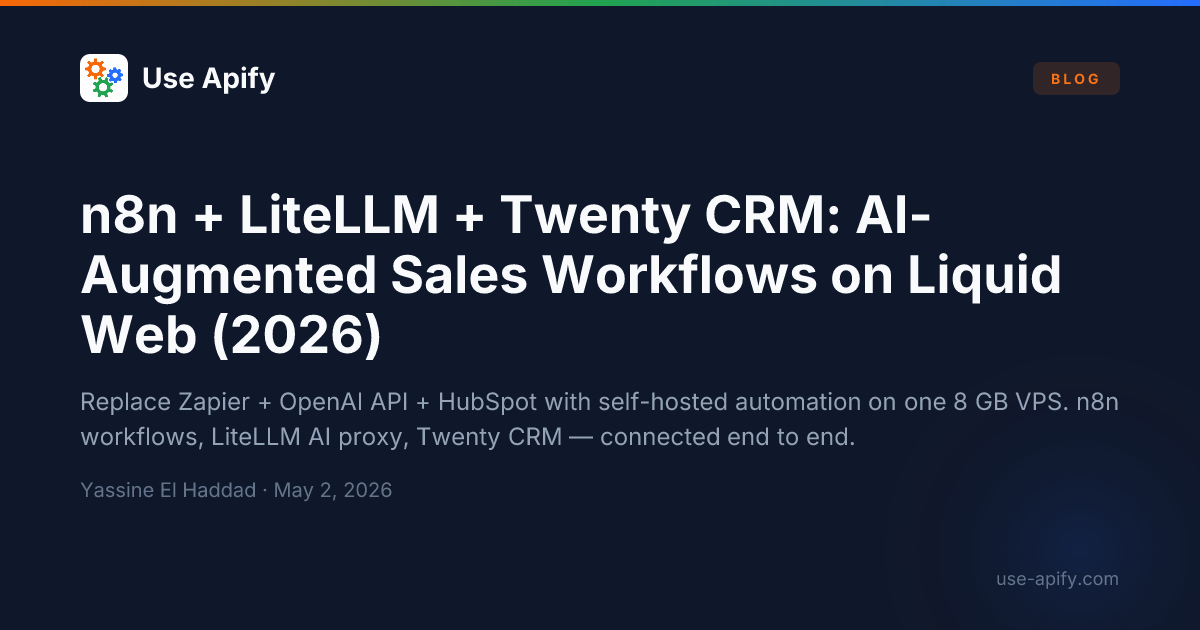
- Zapier Pro + unmanaged OpenAI API + HubSpot Starter: ~$69 + variable + $50/mo vs ~$33/mo self-hosted
Most sales teams that want AI-augmented automation end up in one of two bad places: paying for Zapier Pro, a direct OpenAI API key they can't audit, and HubSpot CRM — three separate subscriptions that don't compose well and bill regardless of usage. Or they write fragile Python scripts that break on every API change and nobody wants to maintain.
This guide deploys the middle path: Twenty CRM for pipeline management, n8n for visual workflow automation, and LiteLLM as an OpenAI-compatible AI proxy — all on a single Liquid Web 8 GB VPS. n8n calls LiteLLM for every AI task (lead enrichment summaries, proposal draft generation, inbound form classification), and LiteLLM provides budget caps, model fallbacks, and a unified request log.
TL;DR
- One
docker-compose.yml: Ollama + LiteLLM + Open WebUI + Authentik + PostgreSQL + Redis + Caddy
- Team logs in via SSO (Authentik OIDC); per-team budgets enforced by LiteLLM
- Runs Llama 3 70B at 40–60 tokens/sec on a Liquid Web L40S GPU server (48 GB VRAM)
- ChatGPT Team (10 users): $250/mo — this stack on L40S: ~$1,040/mo 24/7 or ~$360/mo at 8 hr/day · 5 days/wk
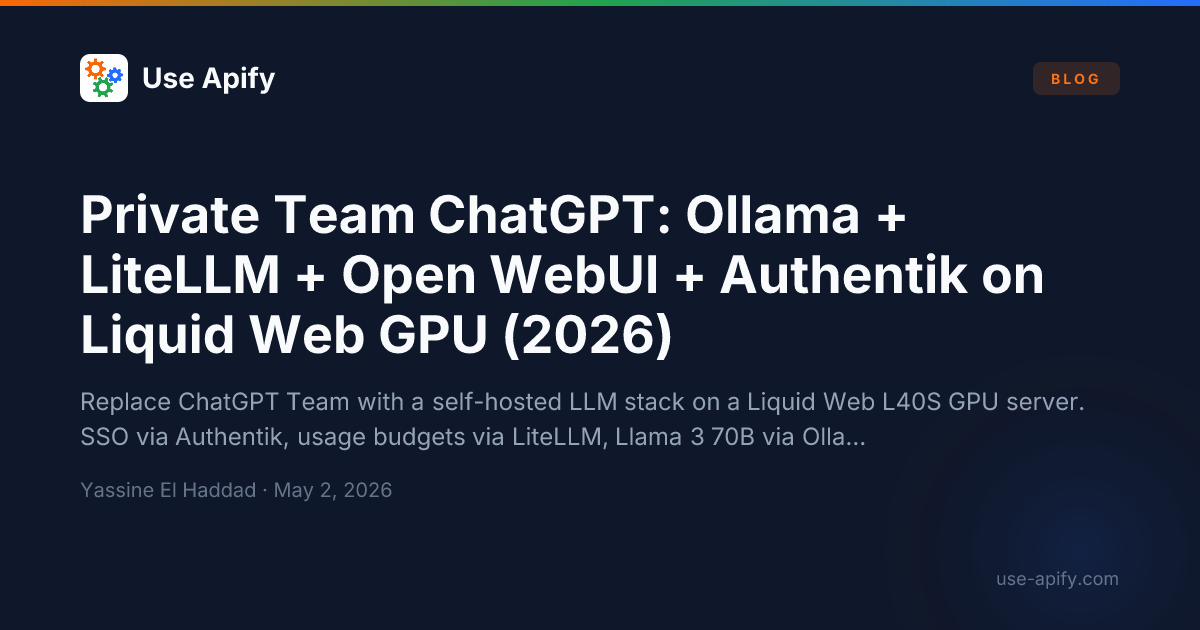
Every prompt your team sends to ChatGPT Team or Copilot for Microsoft 365 leaves your network and is processed on OpenAI's or Microsoft's servers. For most teams that's an acceptable trade-off. For teams handling legal documents, source code, financial data, or customer PII, it is not. This guide deploys a private ChatGPT equivalent — Llama 3 70B running on your own GPU hardware, with a ChatGPT-quality web interface, your company's SSO, and per-team usage budgets — entirely inside your infrastructure.
TL;DR
- One
docker-compose.yml: Dify (API + worker + web + sandbox) + Qdrant + Ollama + PostgreSQL + Redis + Caddy
- Measured idle RAM: ~7.4 GB (Llama 3 8B loaded, CPU inference); minimum server: 16 GB VPS
- Replaces: OpenAI Assistants API ($0.03/1k tokens) + Pinecone Starter ($70/mo) with a fully local, zero-egress alternative
- Your documents never leave the server — not during upload, not during embedding, not during inference
Retrieval-Augmented Generation (RAG) lets you ask questions against a private document corpus and get answers grounded in the actual content. The dominant hosted pattern — OpenAI Assistants + Pinecone — works, but every document chunk and every query travels to OpenAI's servers. For legal contracts, internal knowledge bases, or any non-public data, that is a compliance liability.
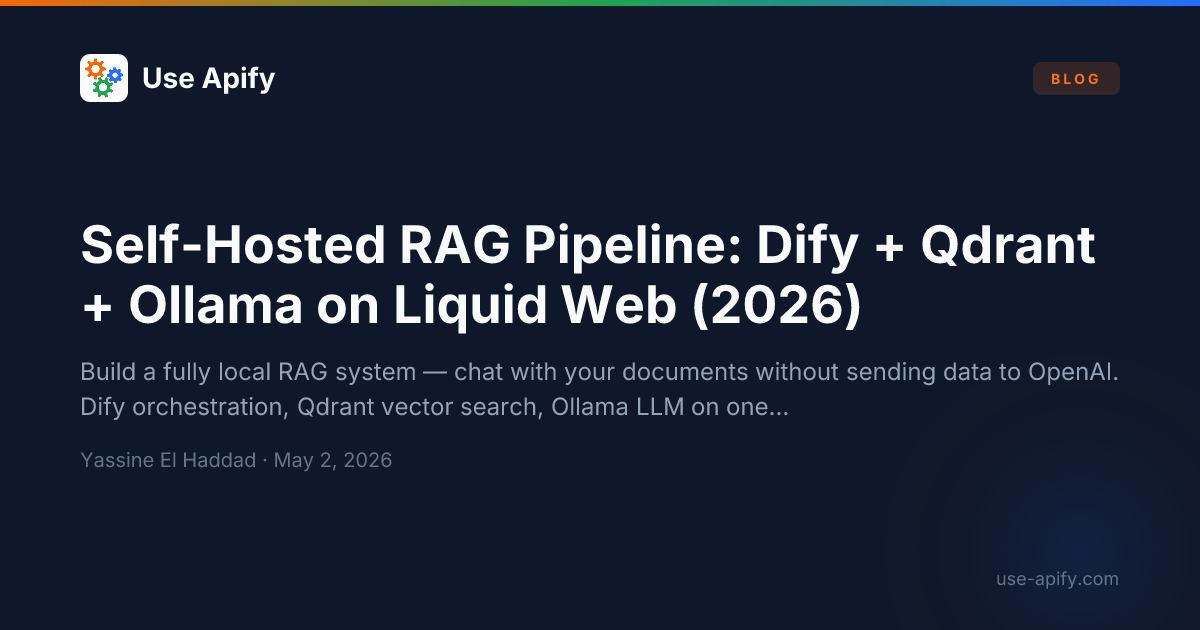
This guide deploys a fully self-hosted RAG stack: Dify as the orchestration and document management layer, Qdrant as the vector database, and Ollama serving both the embedding model and the chat LLM — all on a single Liquid Web VPS.
Cloud API costs scale linearly with usage. Self-hosting Ollama + n8n + Coolify on a $20/month VPS removes per-token fees for local Ollama inference — you still pay for the VPS, bandwidth, and your time; throughput is limited by CPU/RAM. When workflows call Apify, email, or other SaaS APIs, data transits those providers — not only your server.
This guide covers the complete setup from bare VPS to production-ready AI pipeline, with official documentation links for every step.
TL;DR:
| Component | Role | Official docs |
|---|
| Coolify | Infrastructure manager (replaces Heroku/Vercel for self-hosting) | coolify.io/docs |
| Ollama | Local LLM inference (Llama 3.1, Mistral, DeepSeek) | ollama.com |
| n8n | Workflow orchestration (visual automation) | docs.n8n.io |
| Qdrant | Vector database for AI memory/RAG (Retrieval-Augmented Generation) | qdrant.tech/documentation |
| PostgreSQL | Structured data storage | postgresql.org |
Prerequisites:
- A VPS with 4+ CPU cores, 8+ GB RAM, 80+ GB SSD ($16–$25/month range). Minimum 8 GB RAM required for running Llama 3.1 8B comfortably alongside n8n.
- A domain name pointed to the VPS IP
- Basic terminal/SSH knowledge
- 30–60 minutes of setup time
OpenClaw is an open-source personal AI assistant you run on your own hardware. It connects to the messaging apps your team already uses — WhatsApp, Telegram, Slack, Discord, Signal — and can browse the web, execute tasks, and run on your choice of AI model. As of March 2026, it has 323,000+ GitHub stars, making it one of the most adopted self-hosted AI projects ever built.